LED Message DisplayEnglish | Português The initial goal of this project was to design a simple LED display, with only one color and basic features. However, it was hard to stop after each version was completed, and so the project grew, becoming this display shown below. The electronics and the software were designed by myself at my home office. The display's size is flexible. It can be assembled to various widths and heights, and also being able to work vertically, where it change its procedures and switch to the vertical fonts. Most of the display's features are better presented on the images and videos that follows. Back to main page LED Display DemonstrationThis is a demonstration of the LED display in operation. If this video is not playing on your browser, click here to download it. About this videoThis video shows the LED display with a set of messages assembled to demonstrate some of its capabilities. The casing of the display on this video was intended to represent a smartphone, as requested by a specific client. The display's electronics do not require this extra space to the sides. Back to main pagePictures and Screen ShotsMiscellaneous pictures and screen shots related to the LED display. 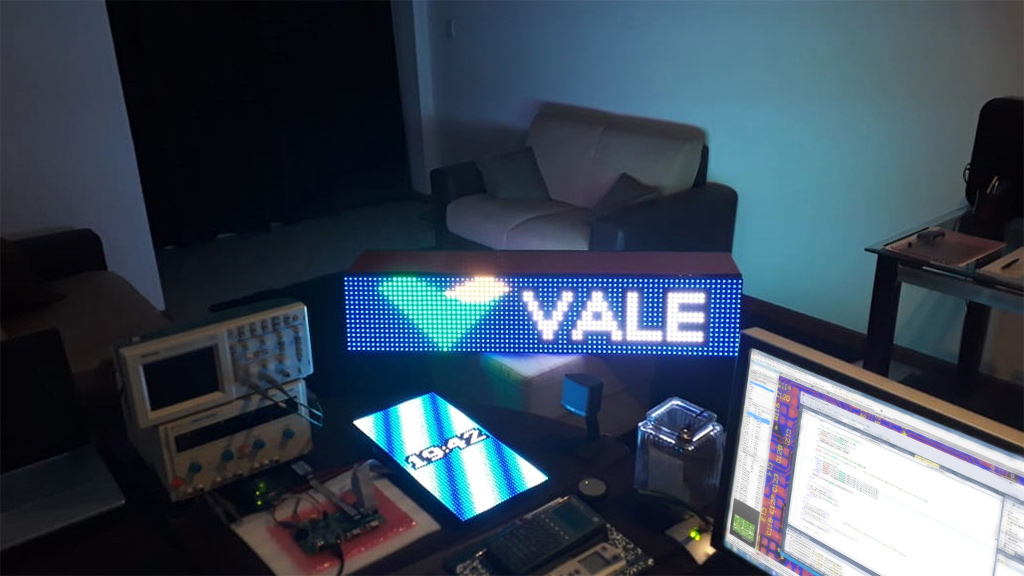 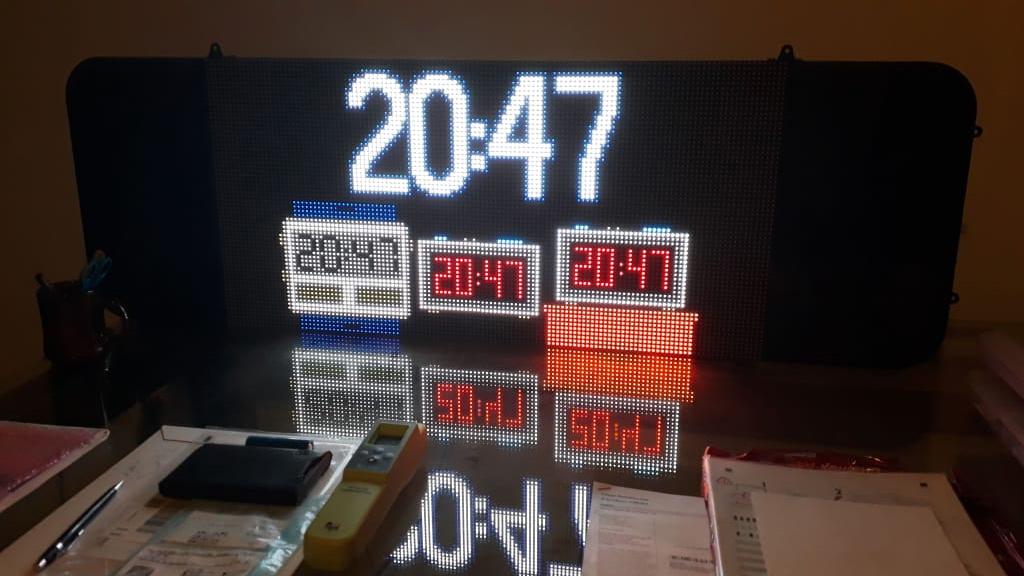 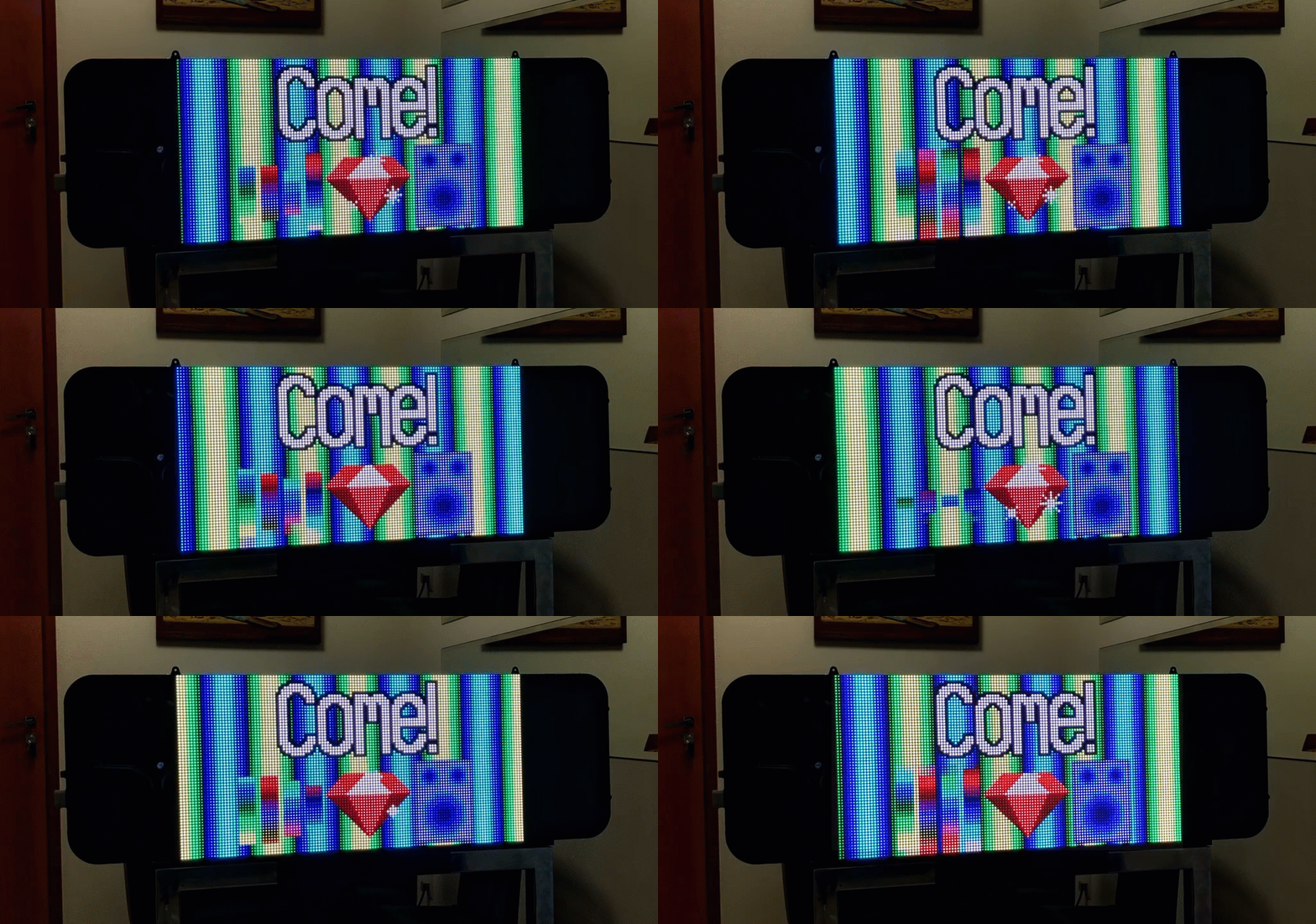 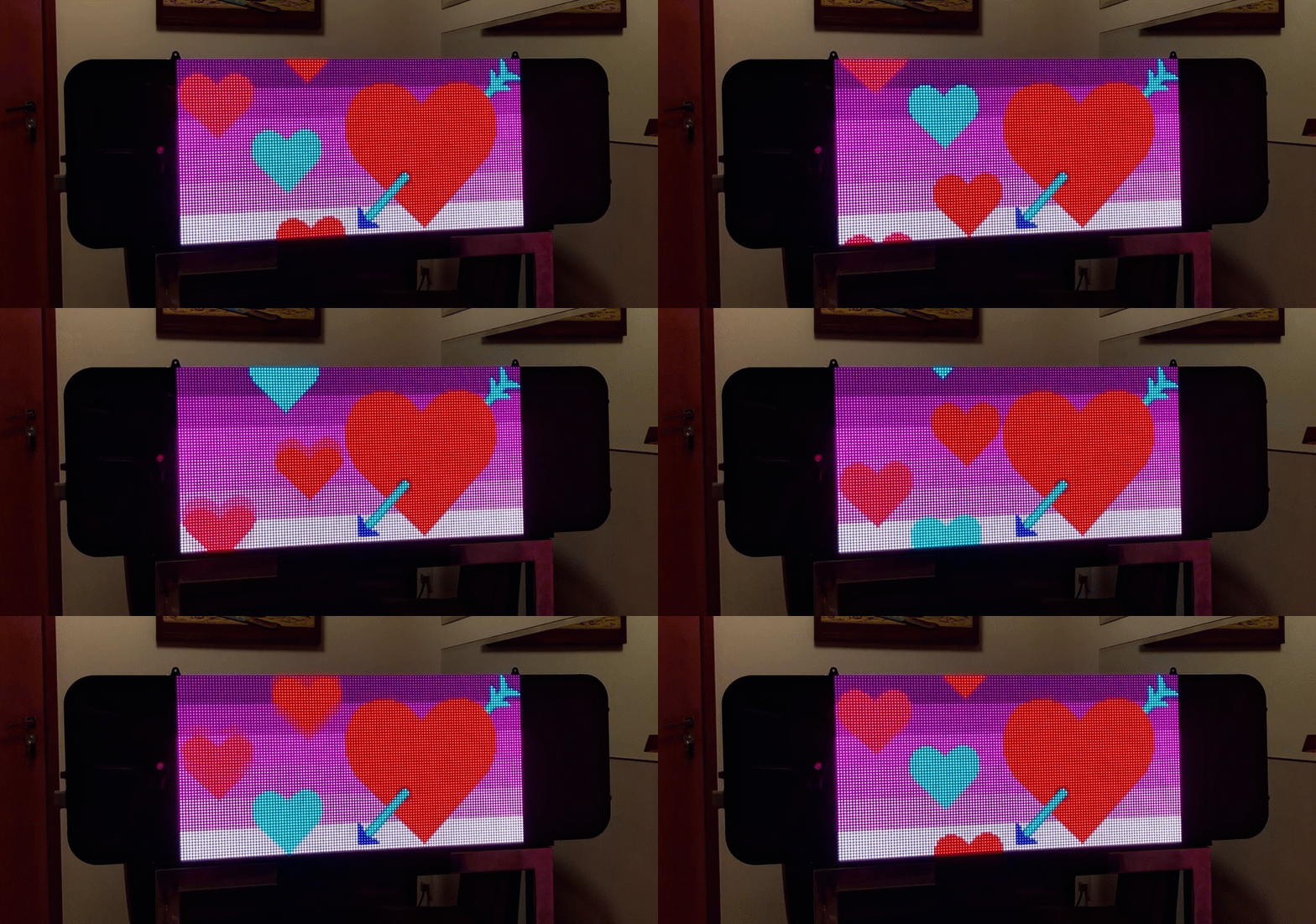 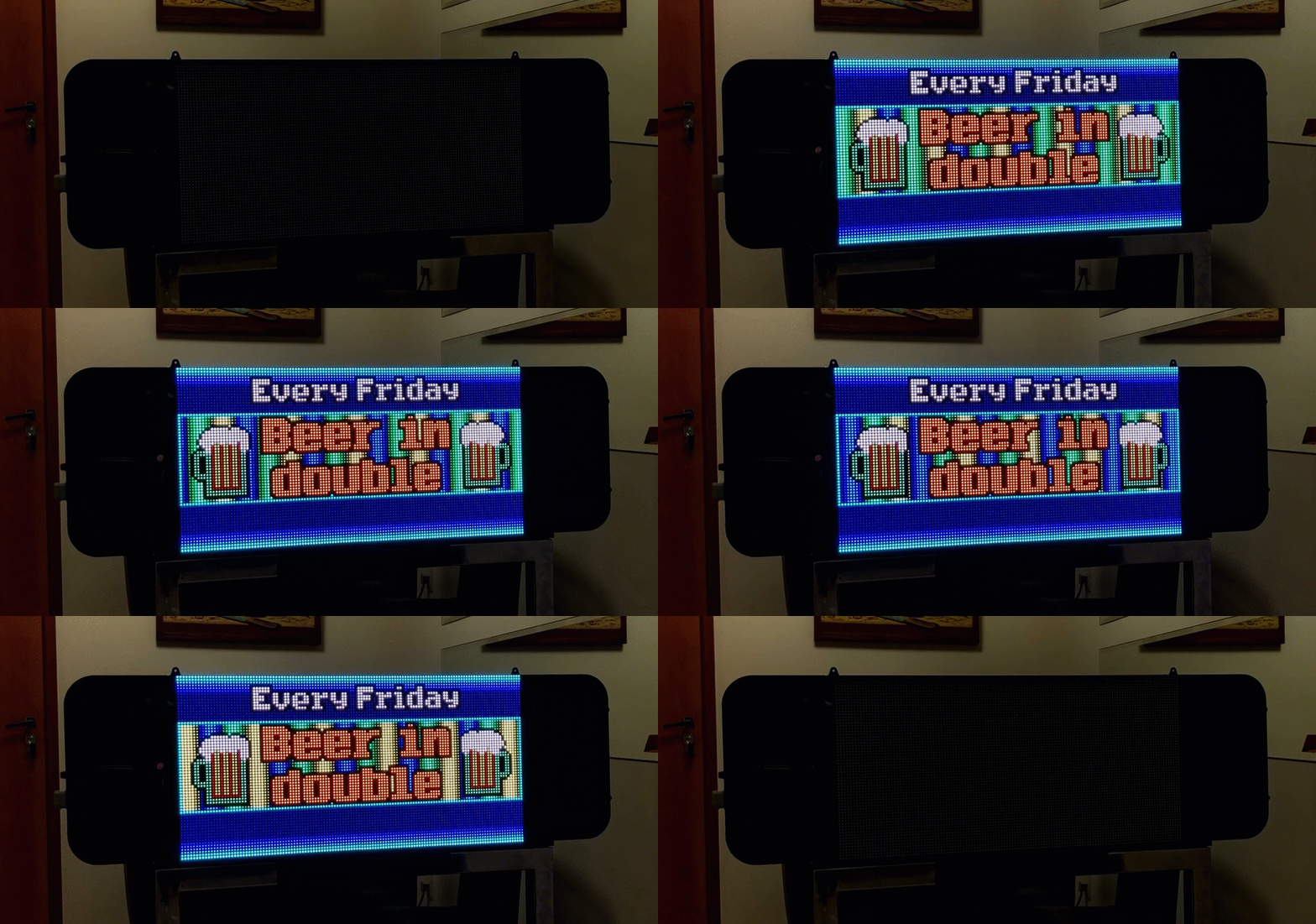 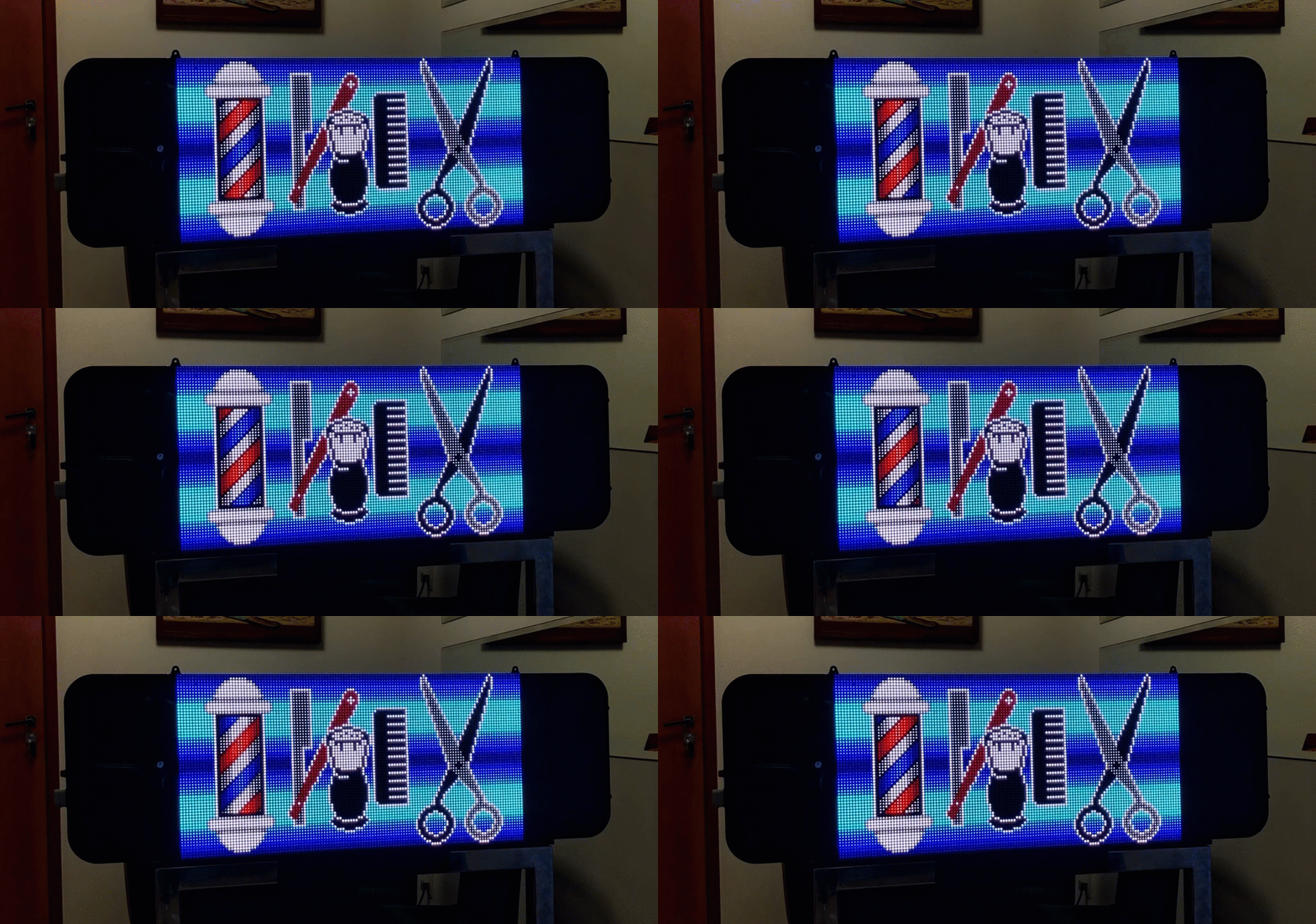 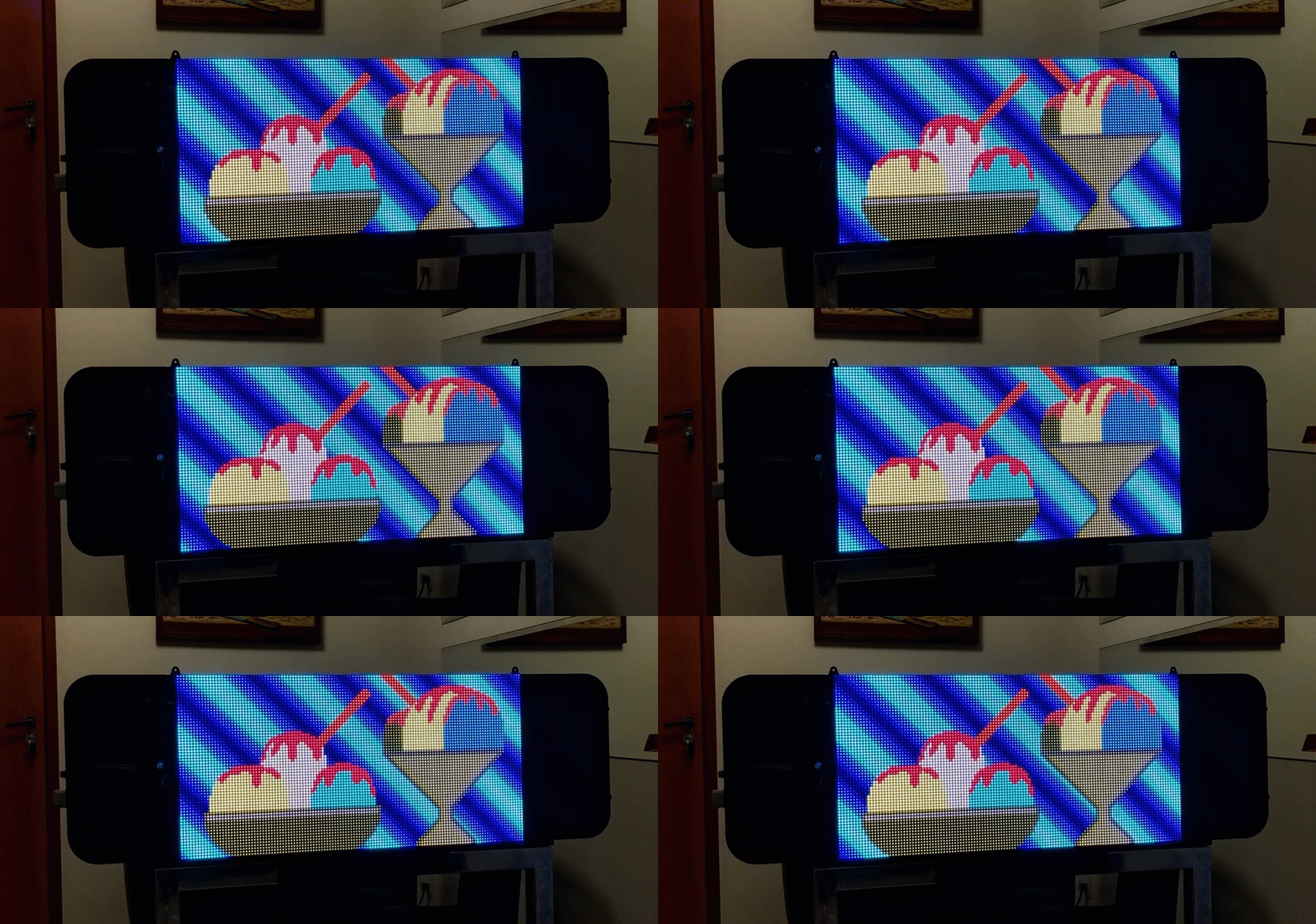 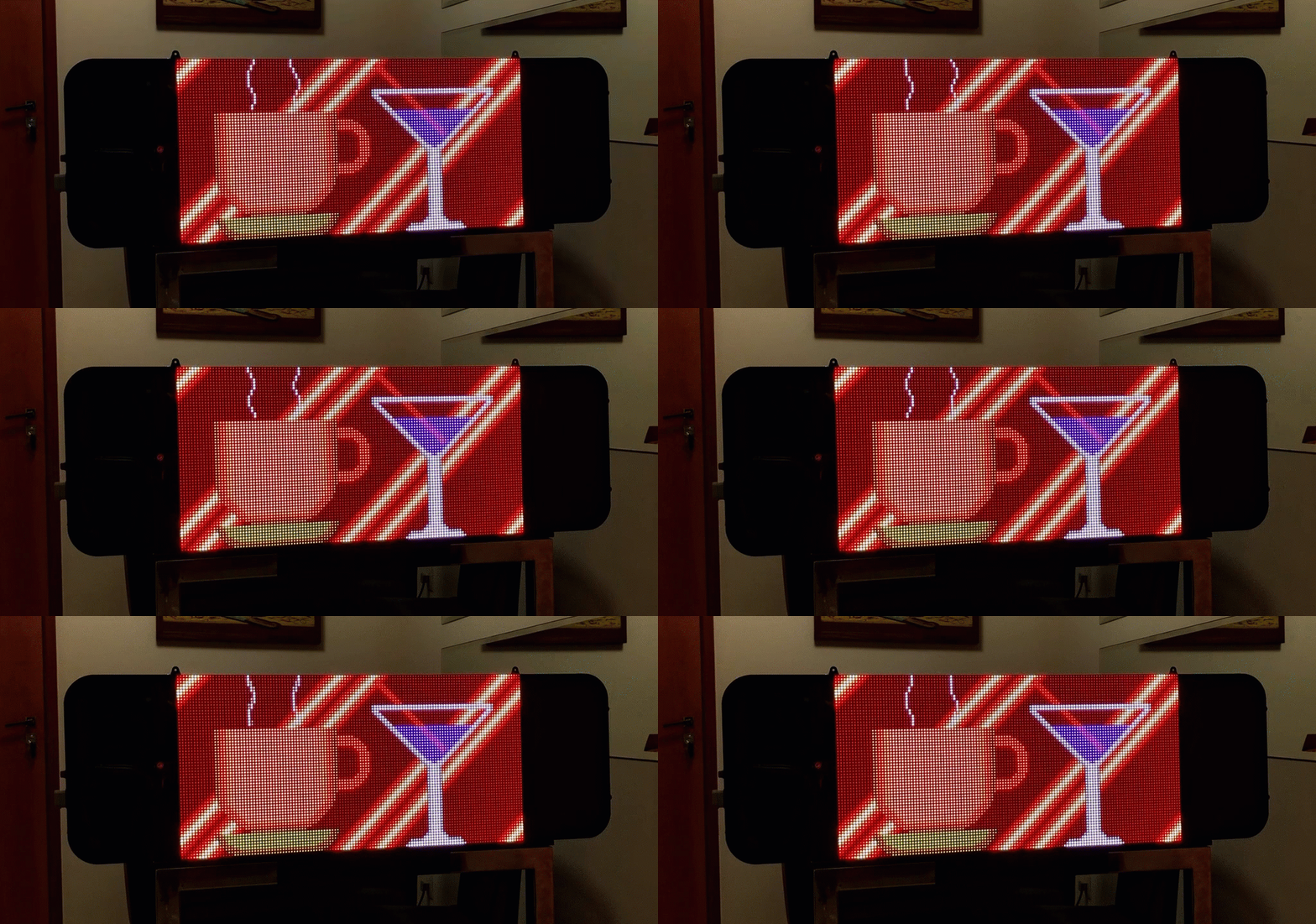 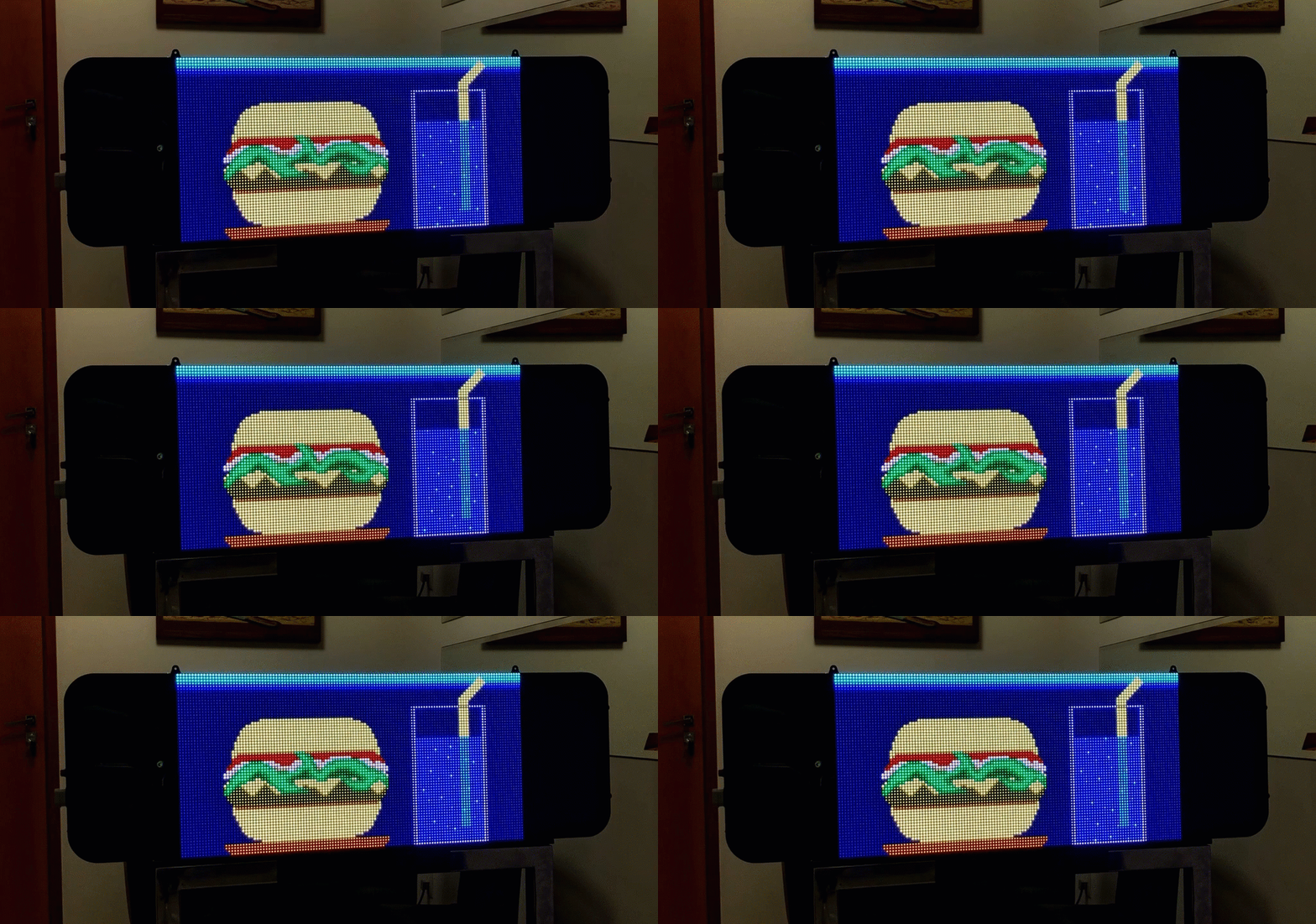 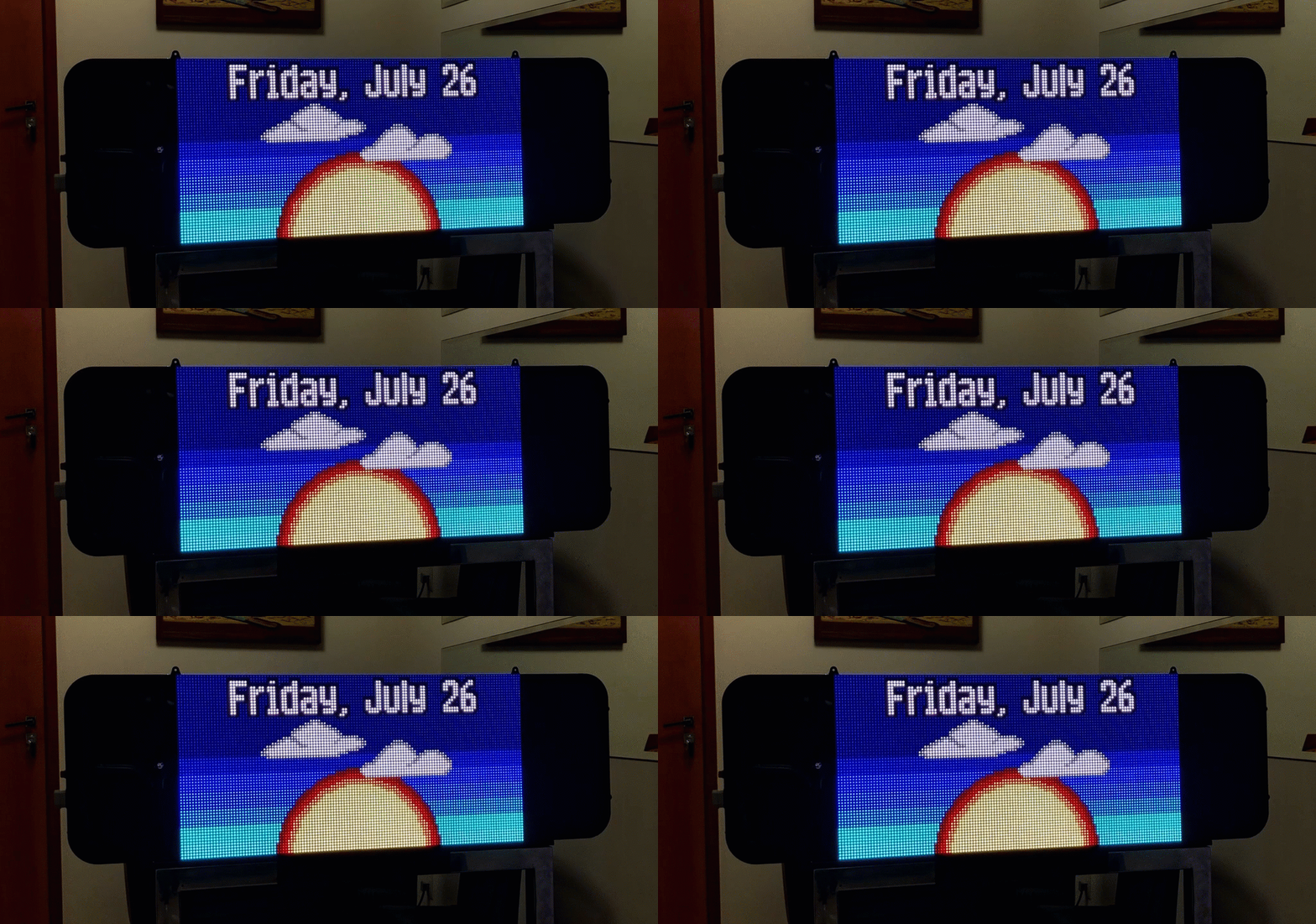 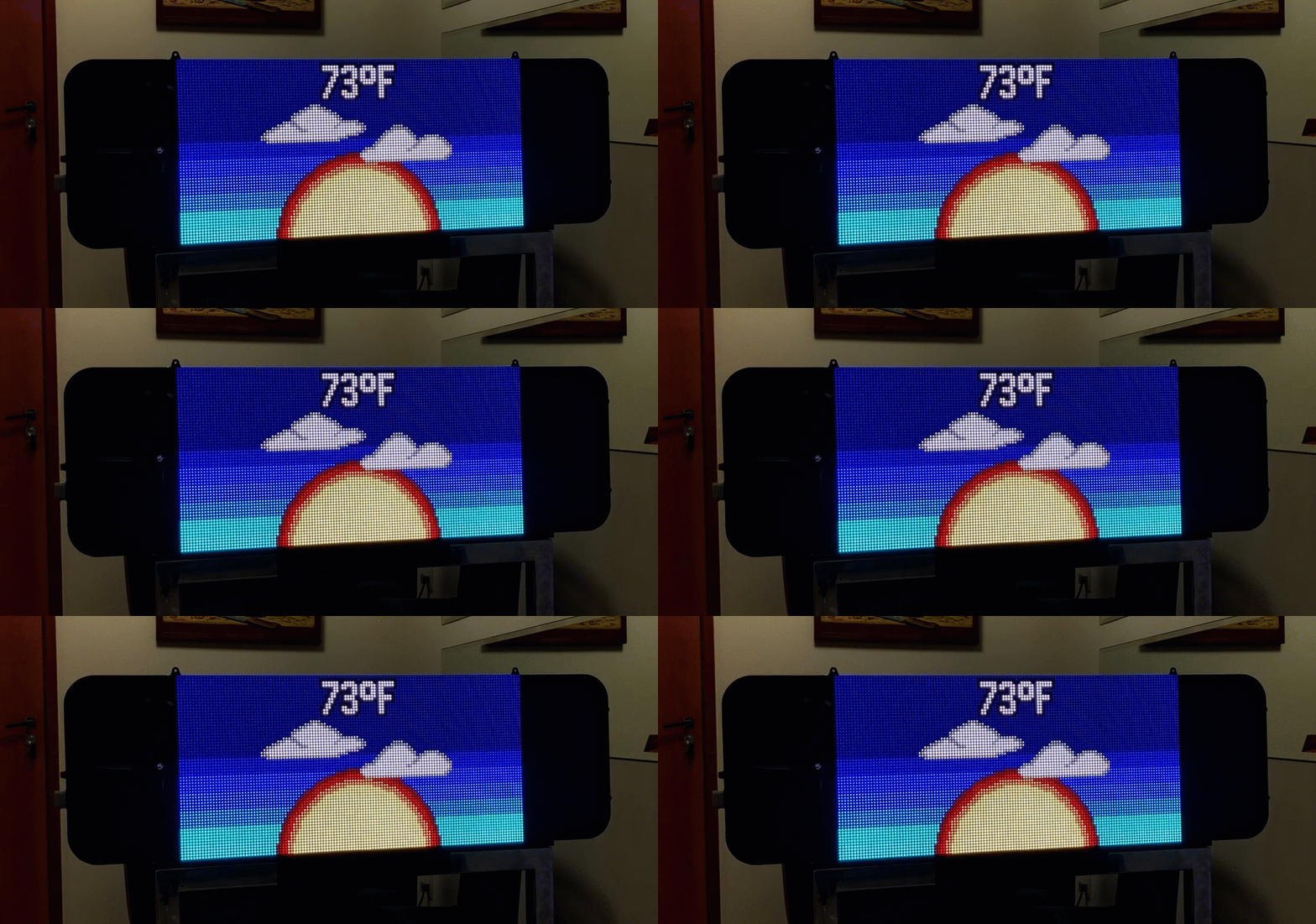 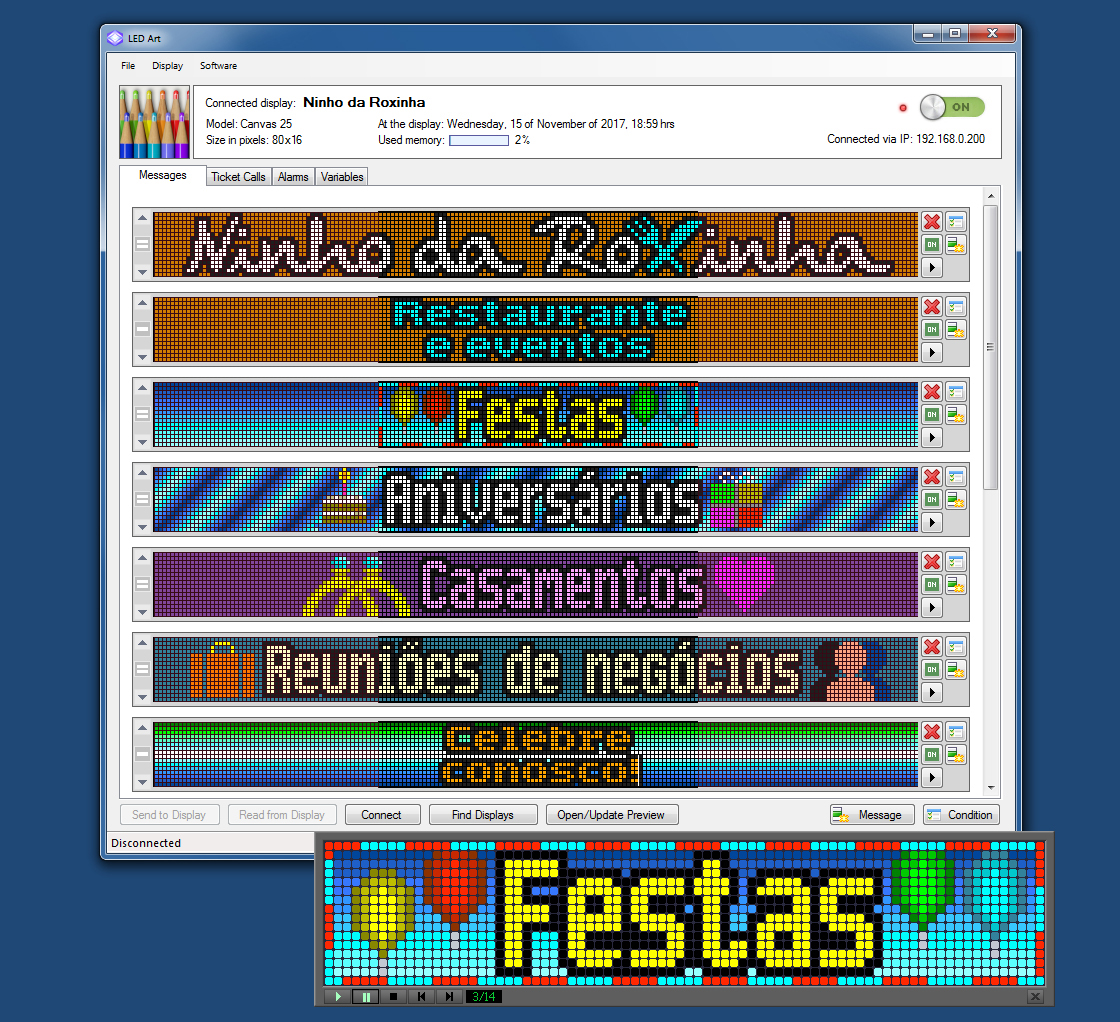 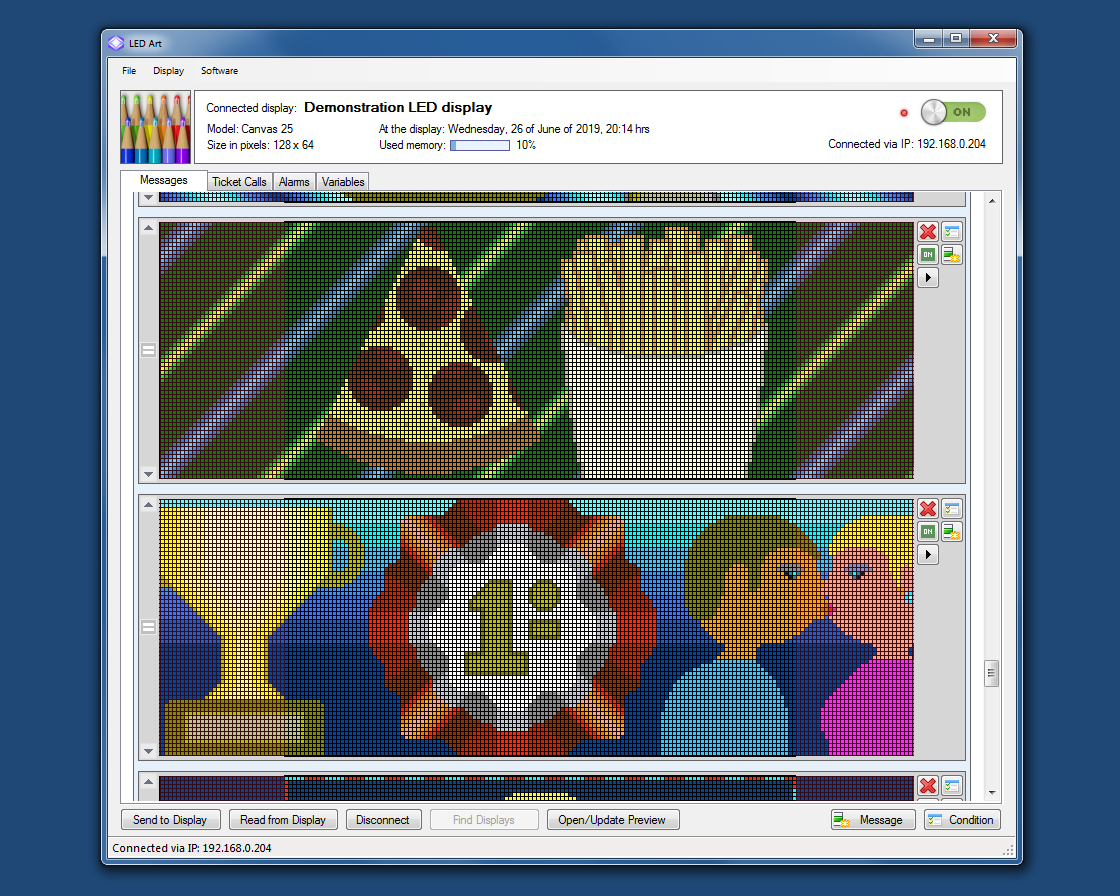 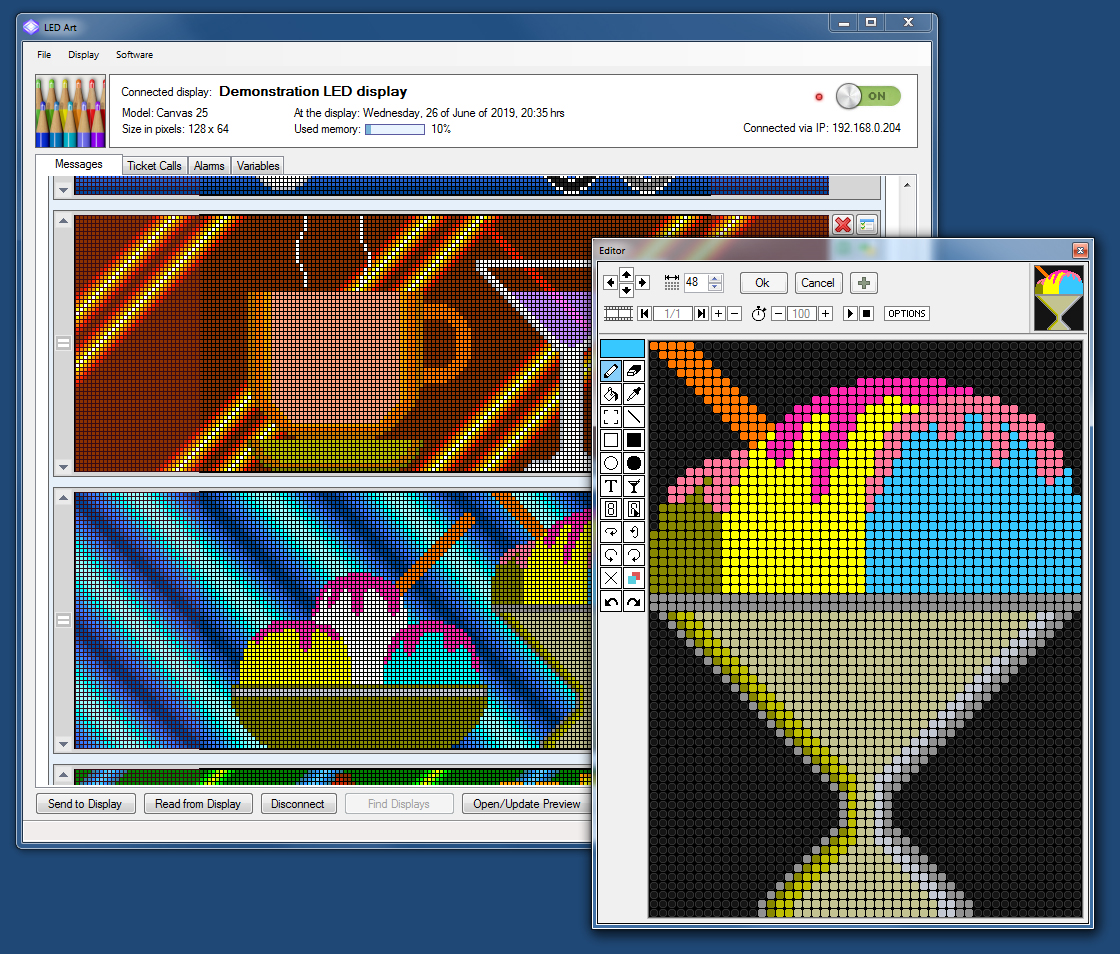 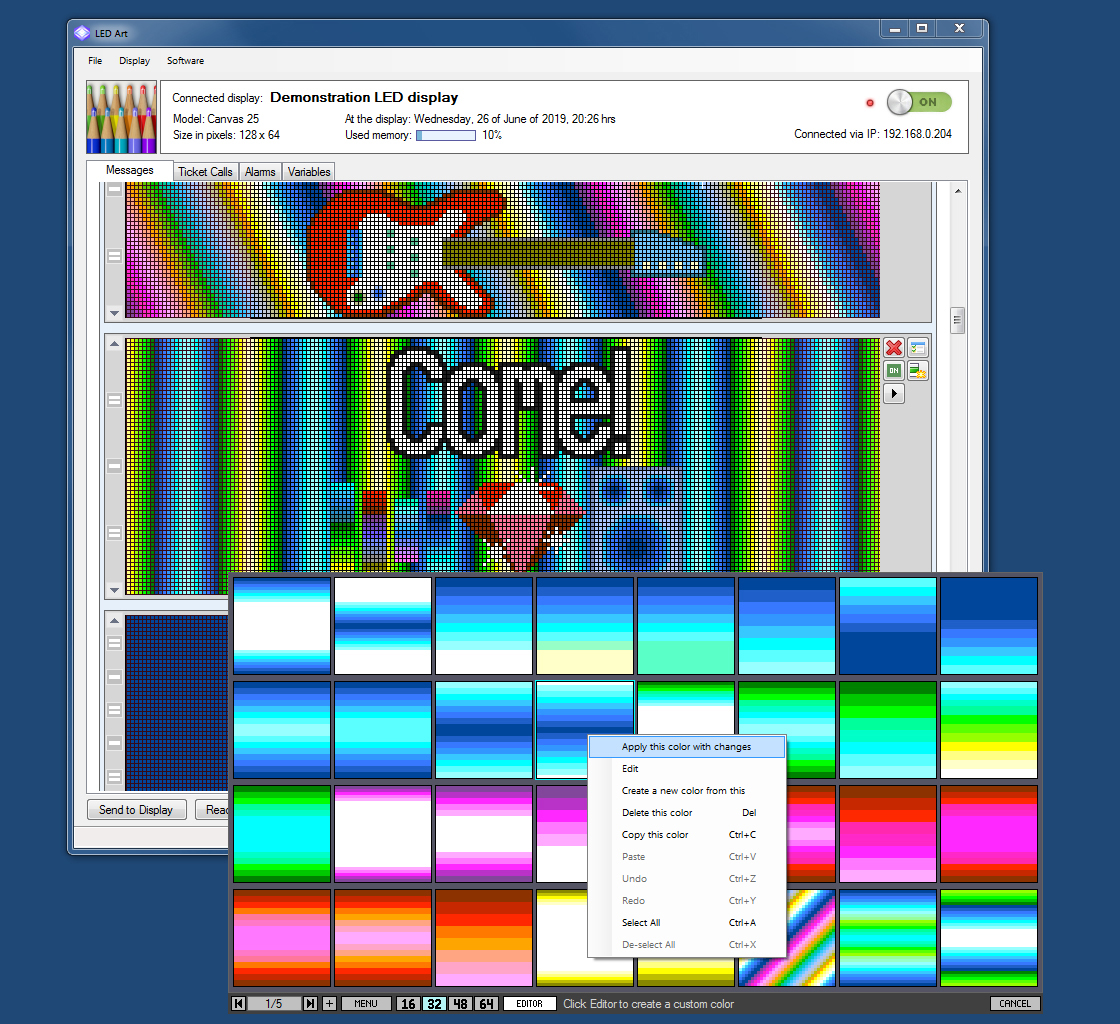 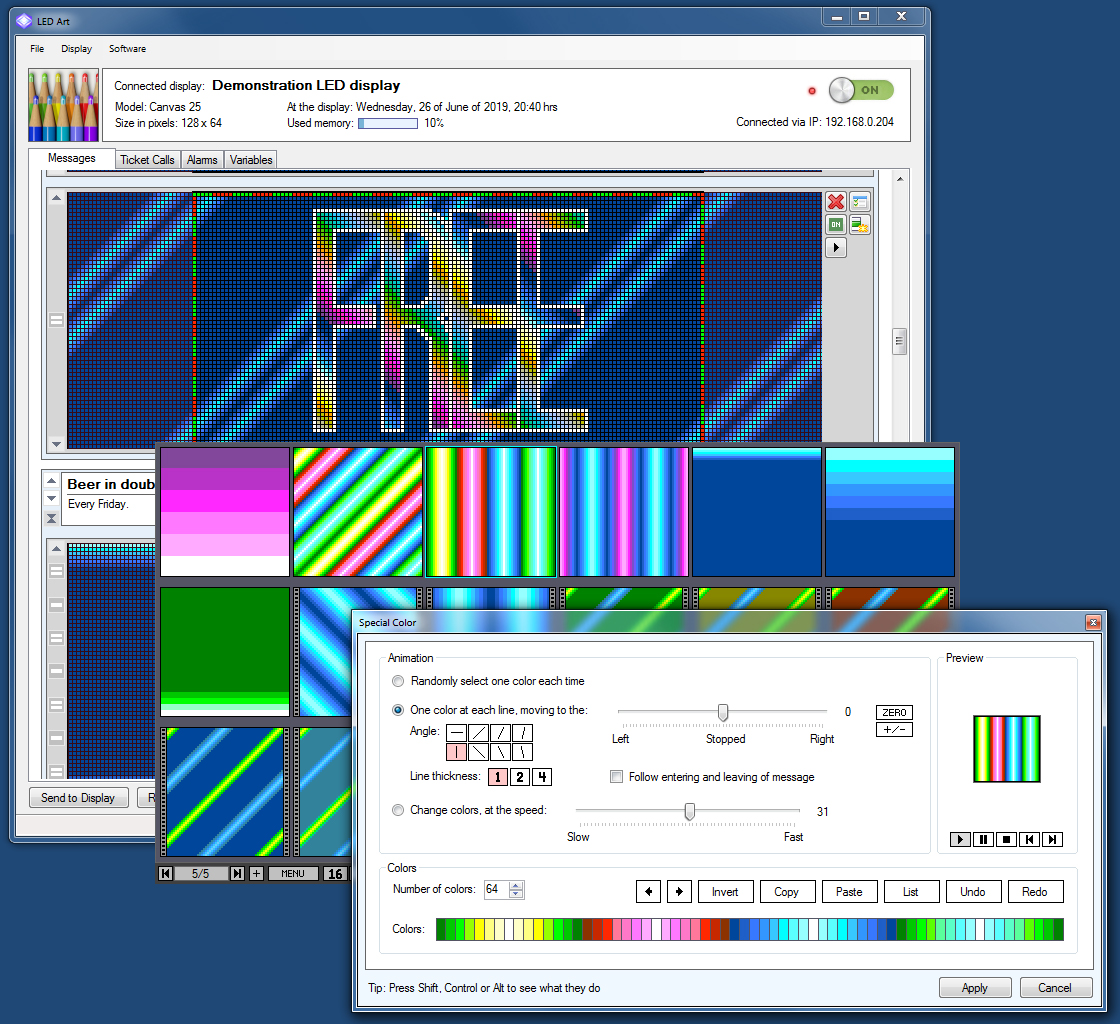 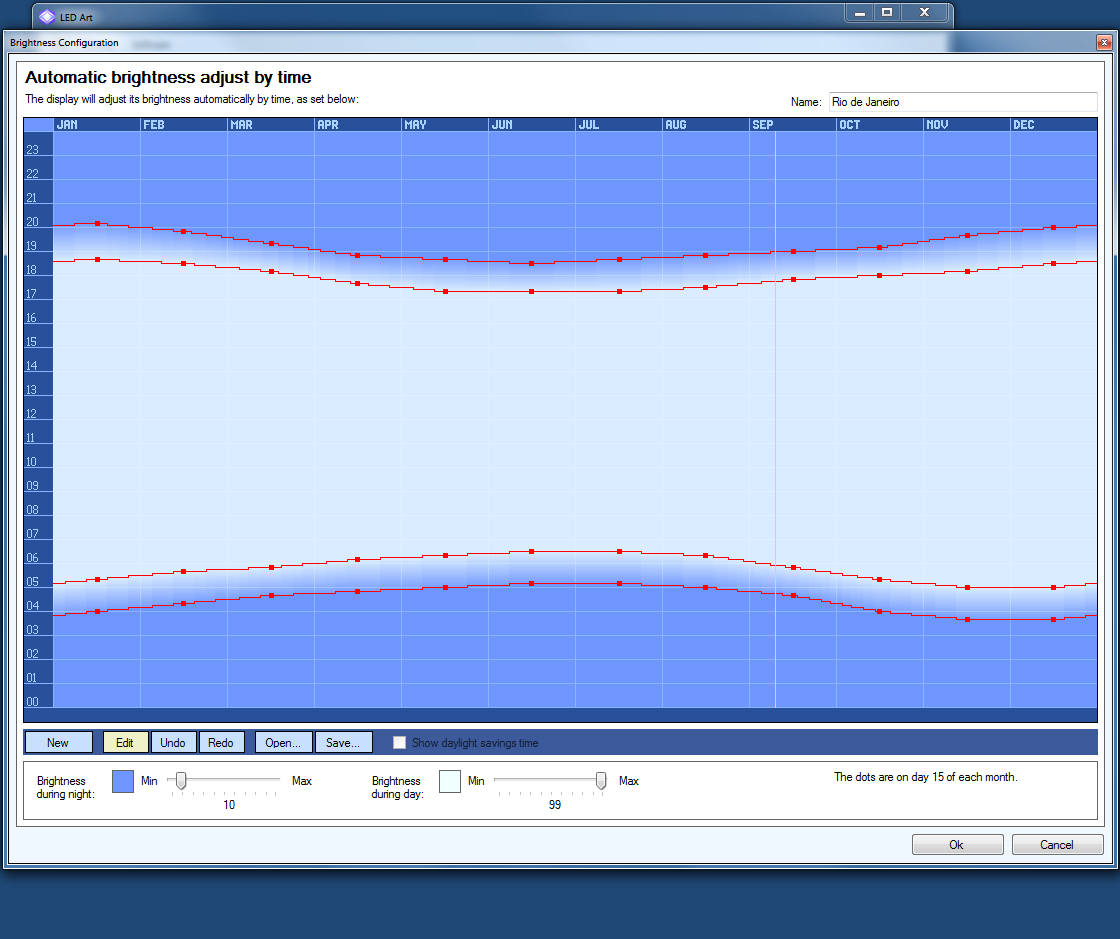 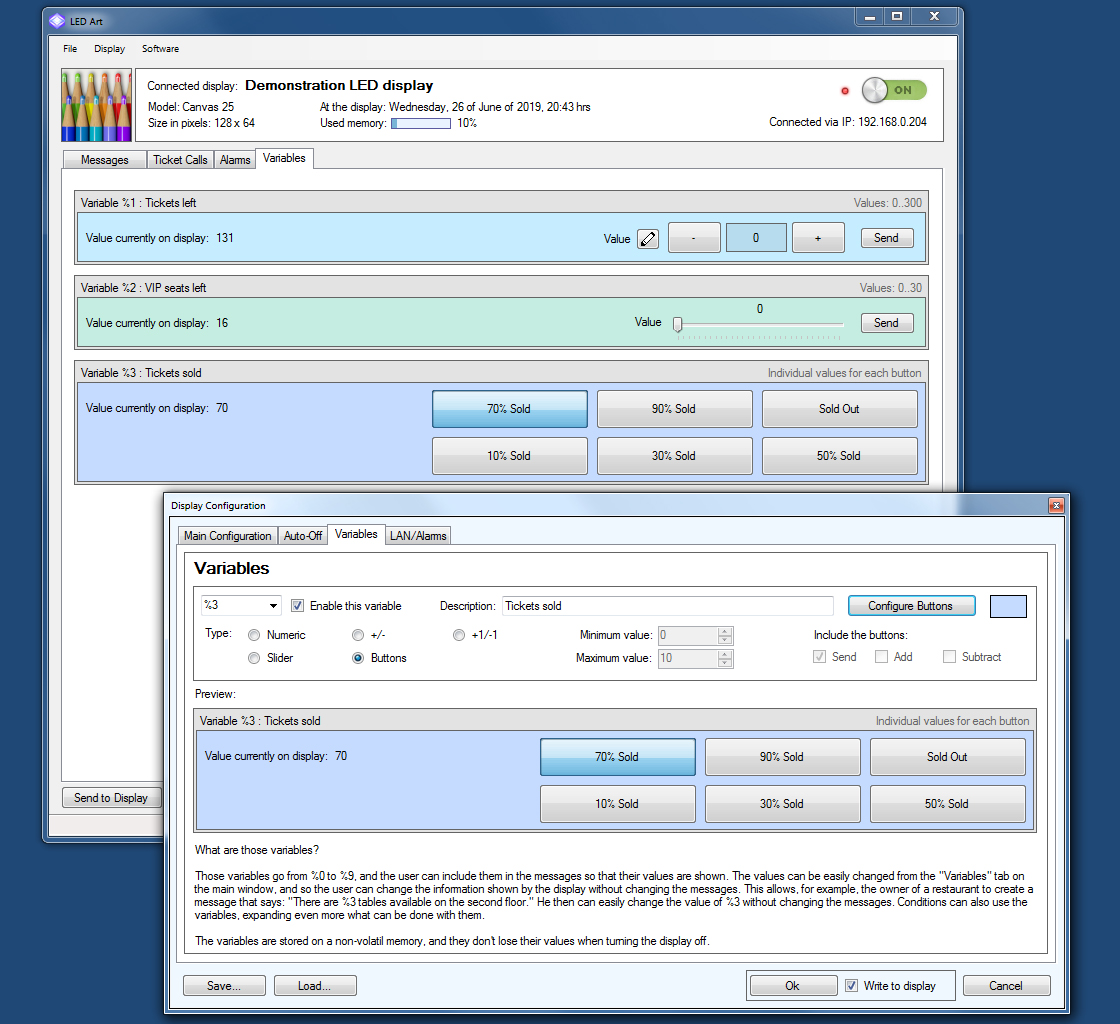 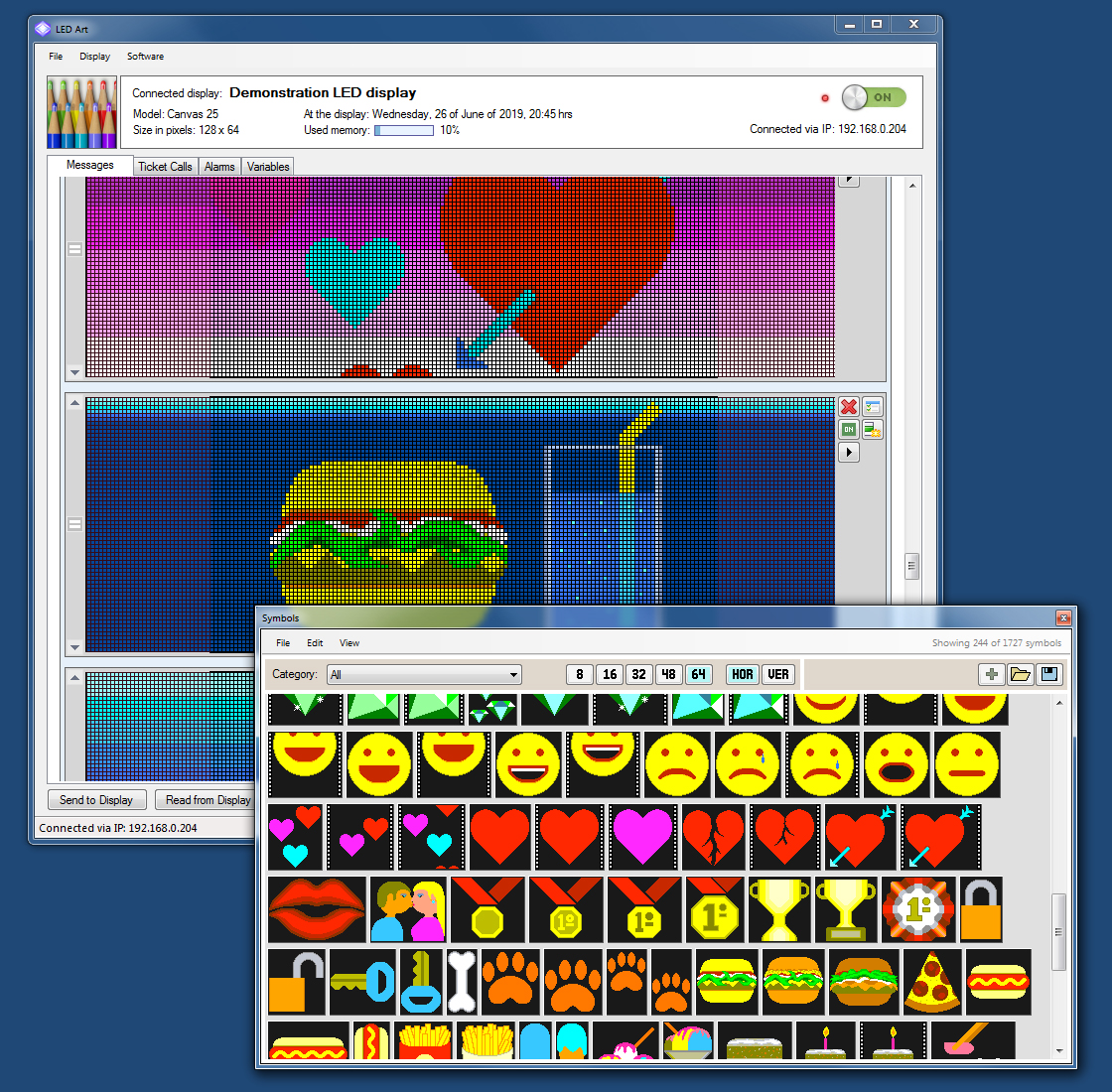 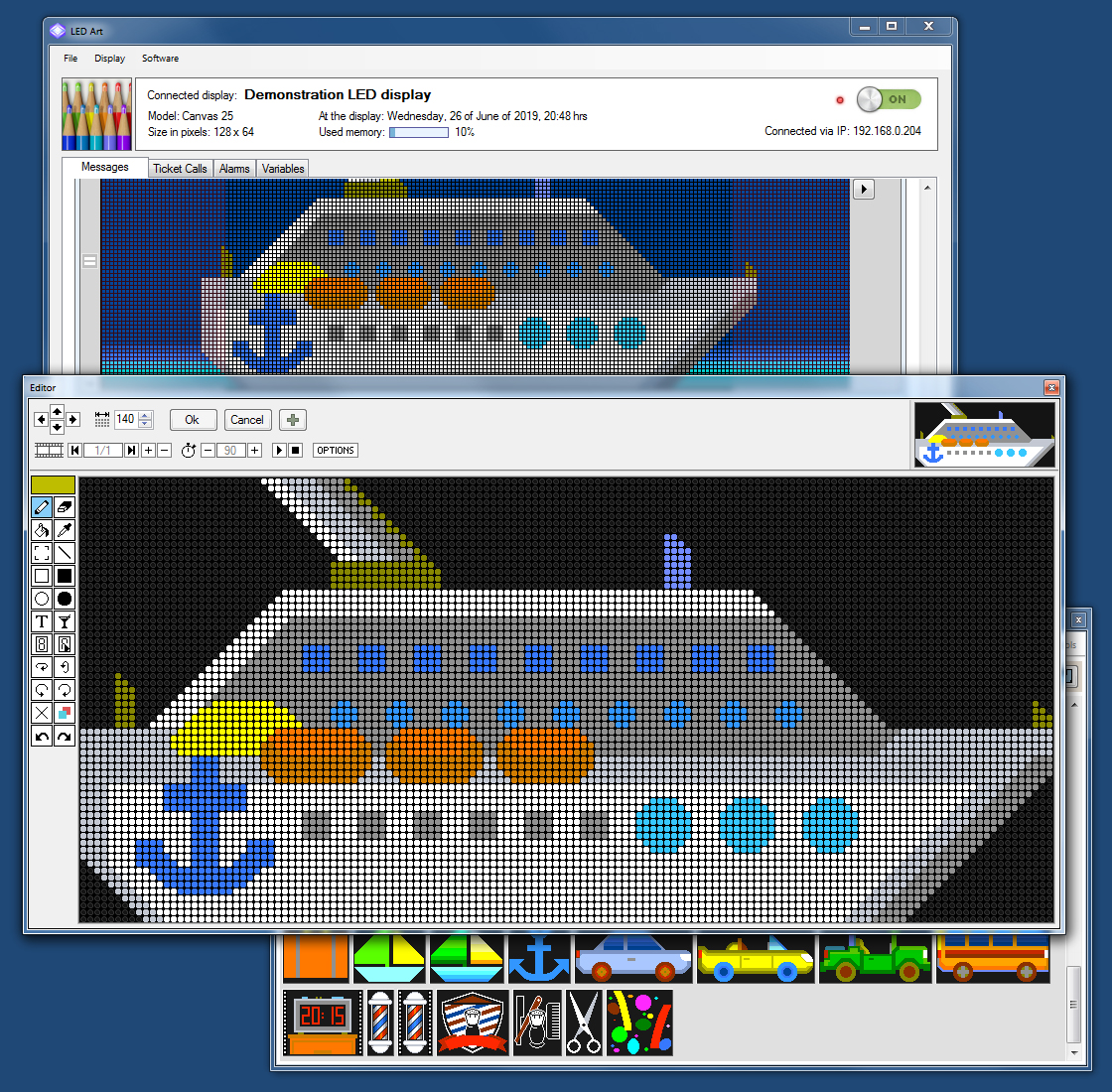 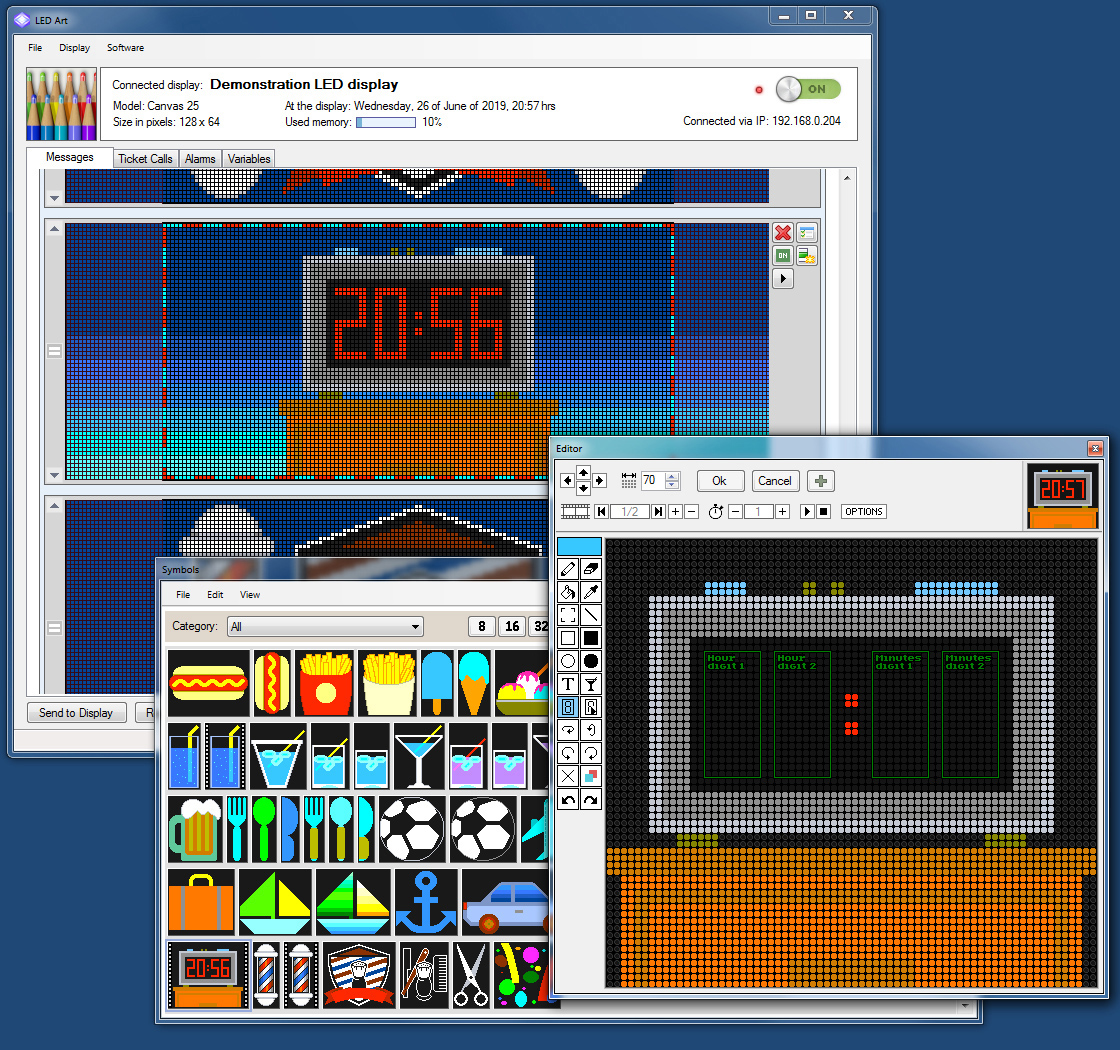 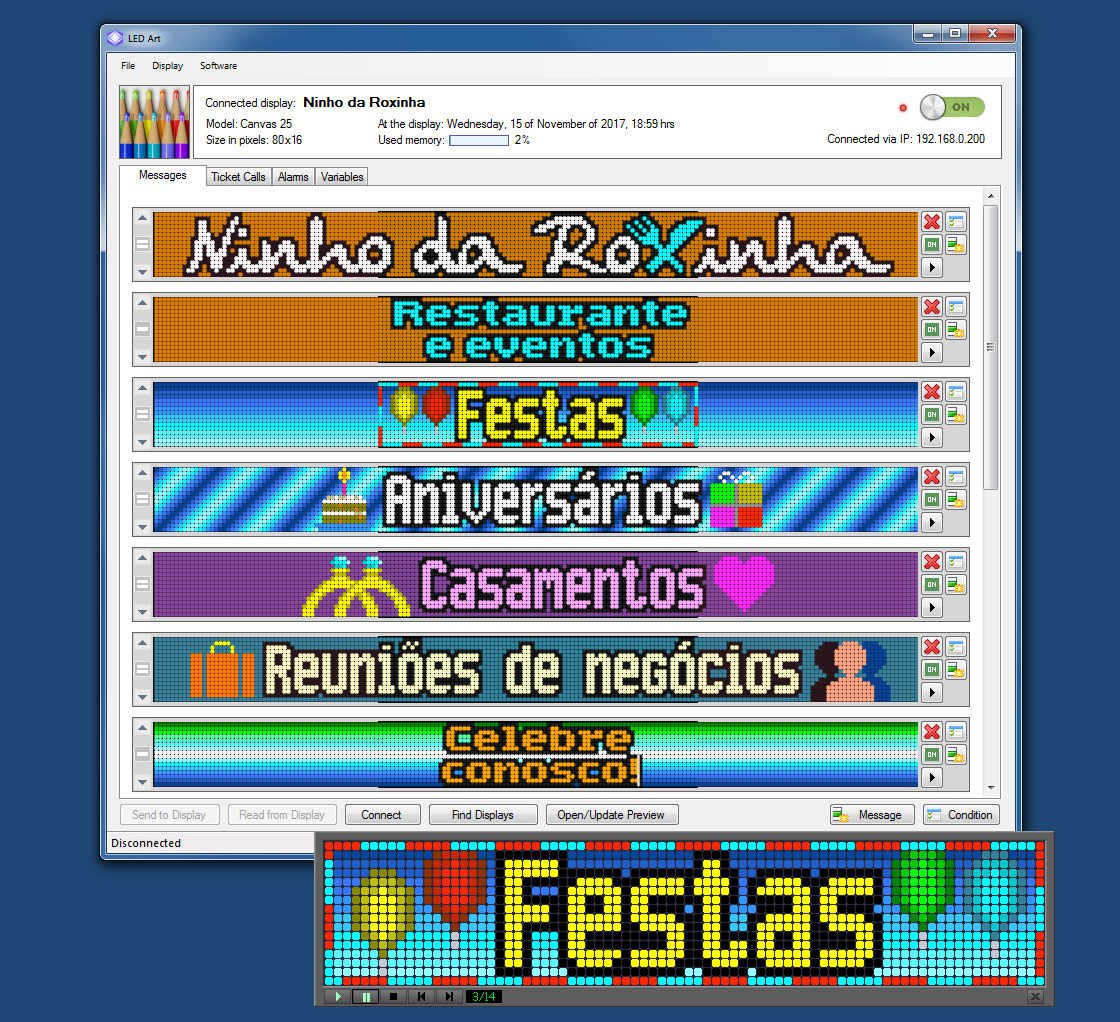 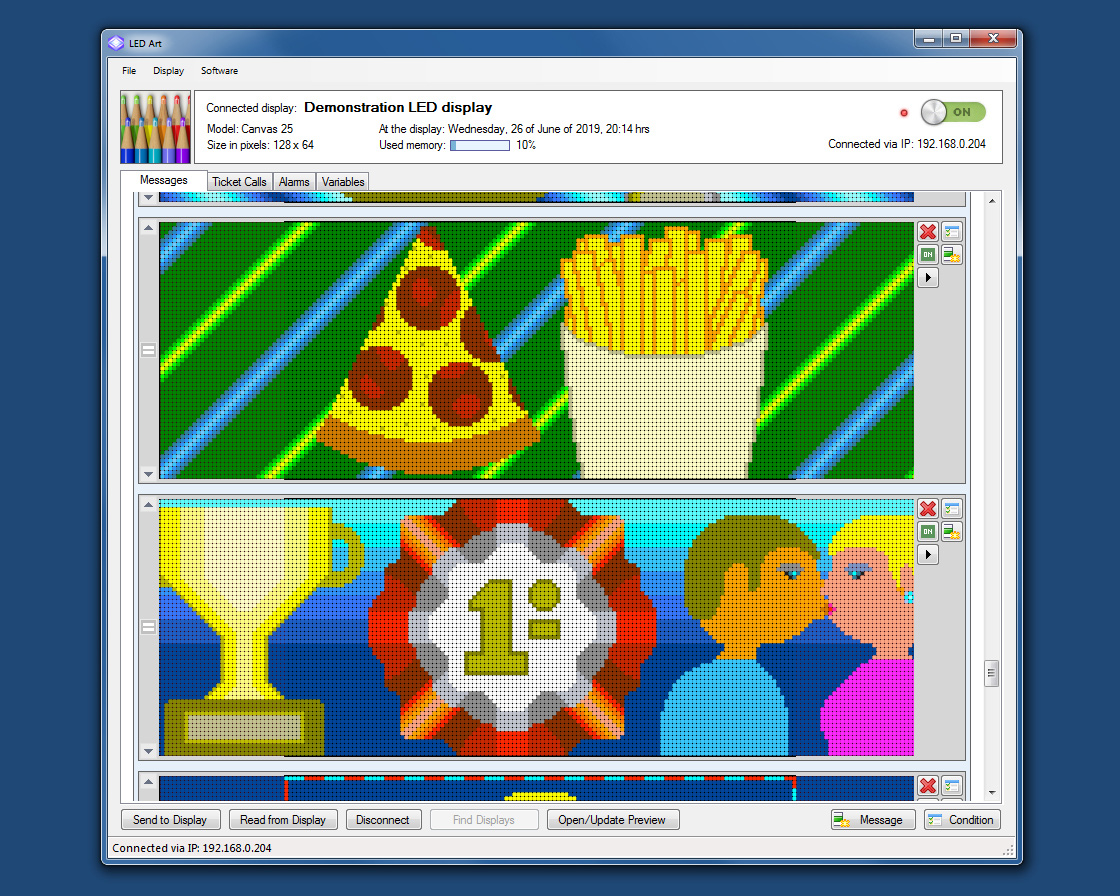 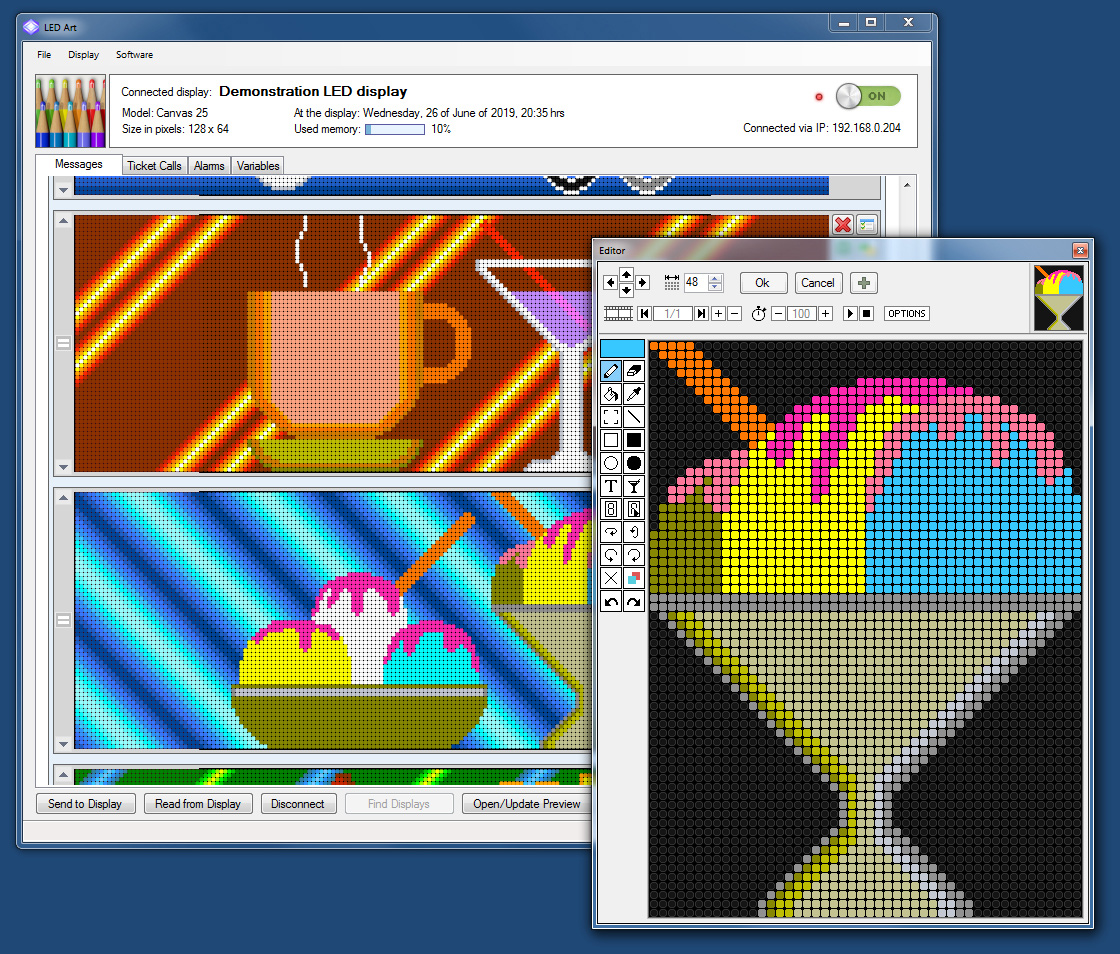 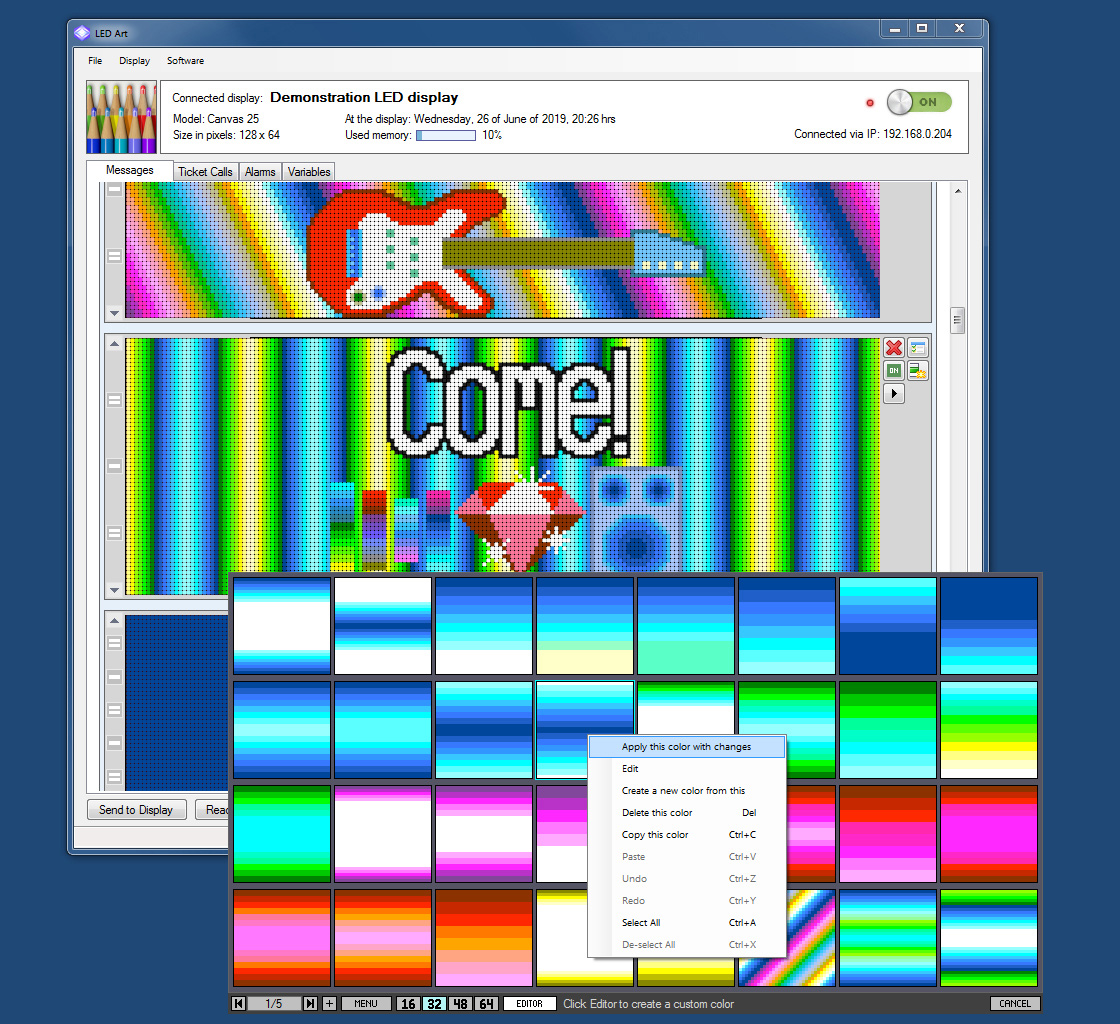 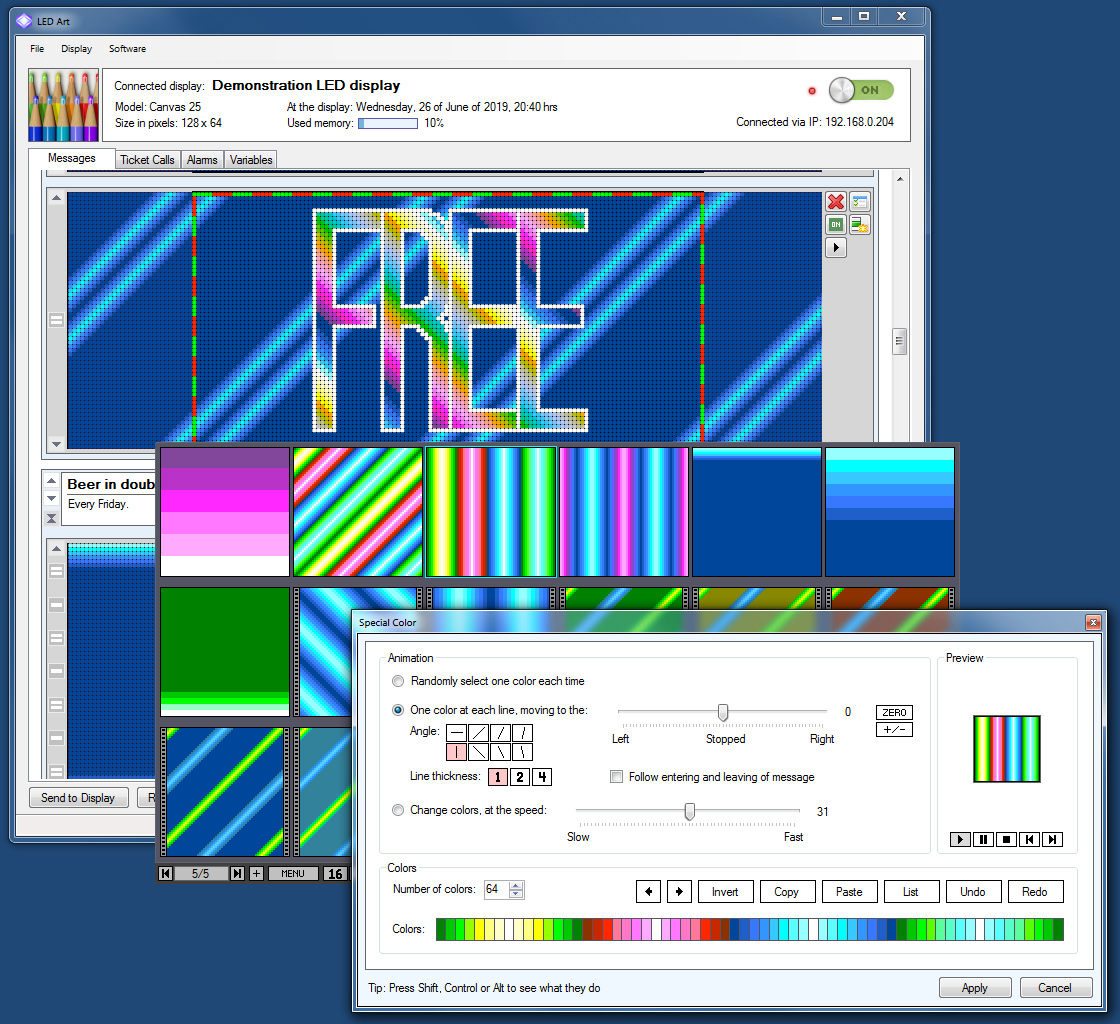 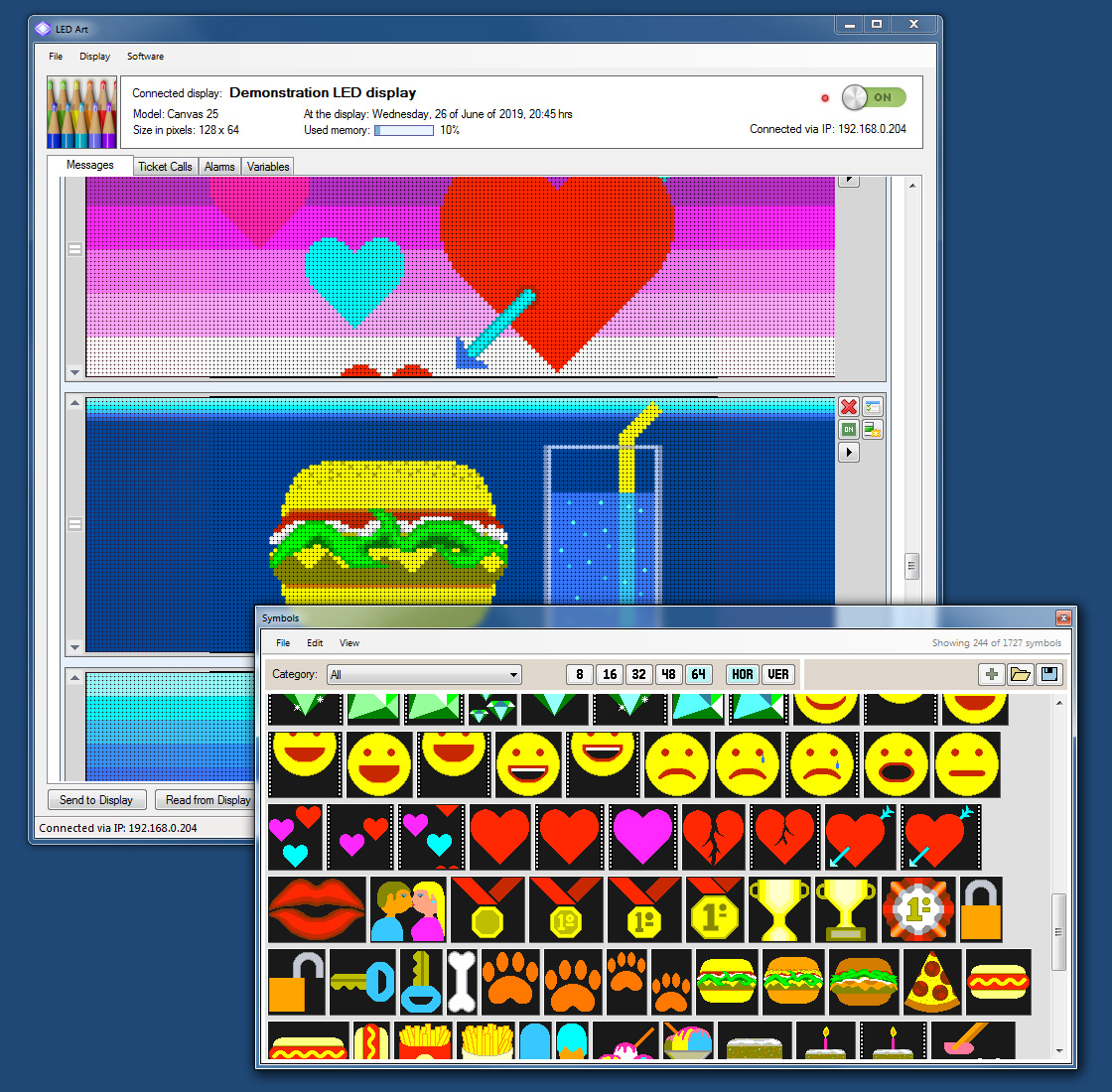 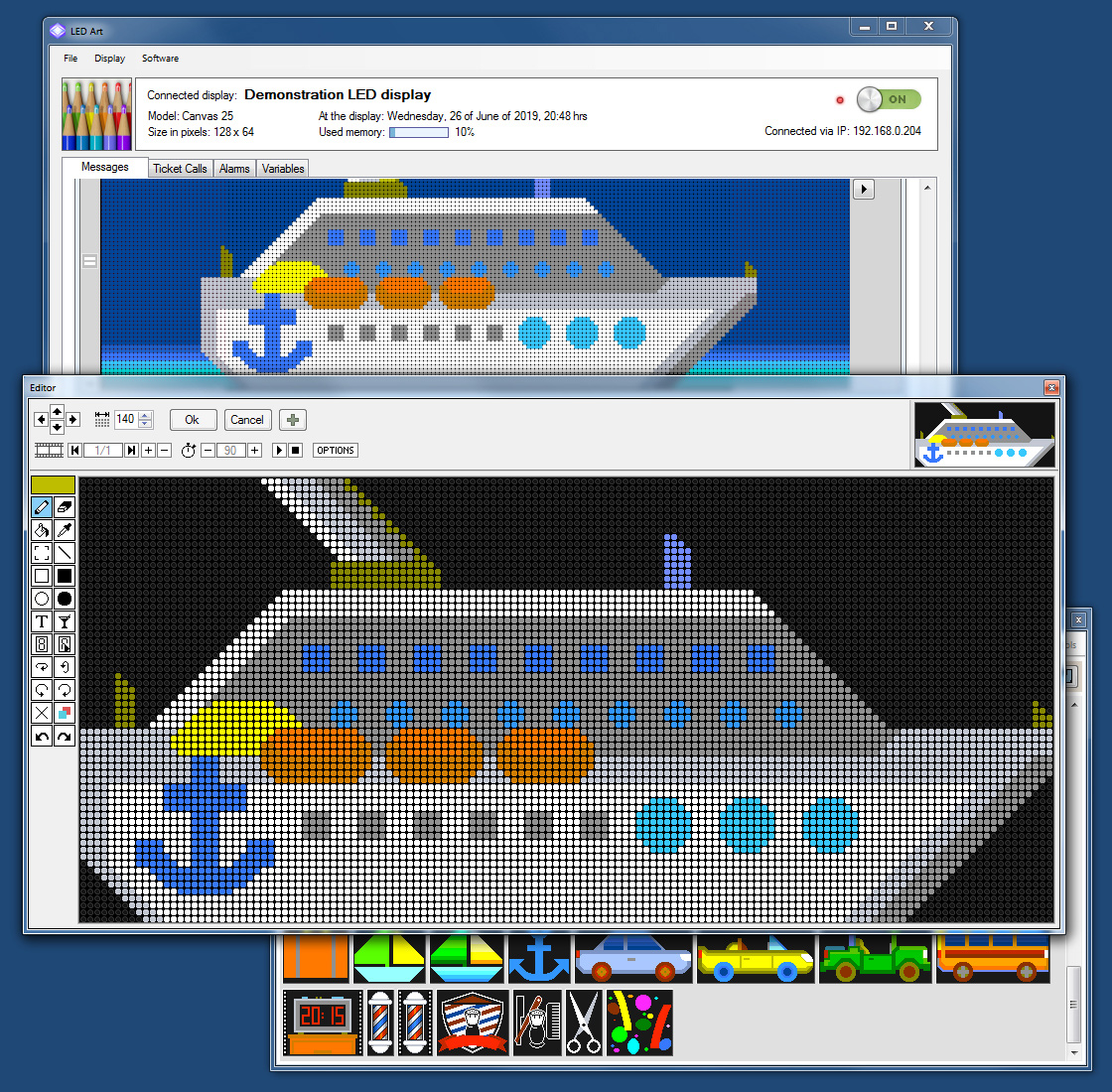 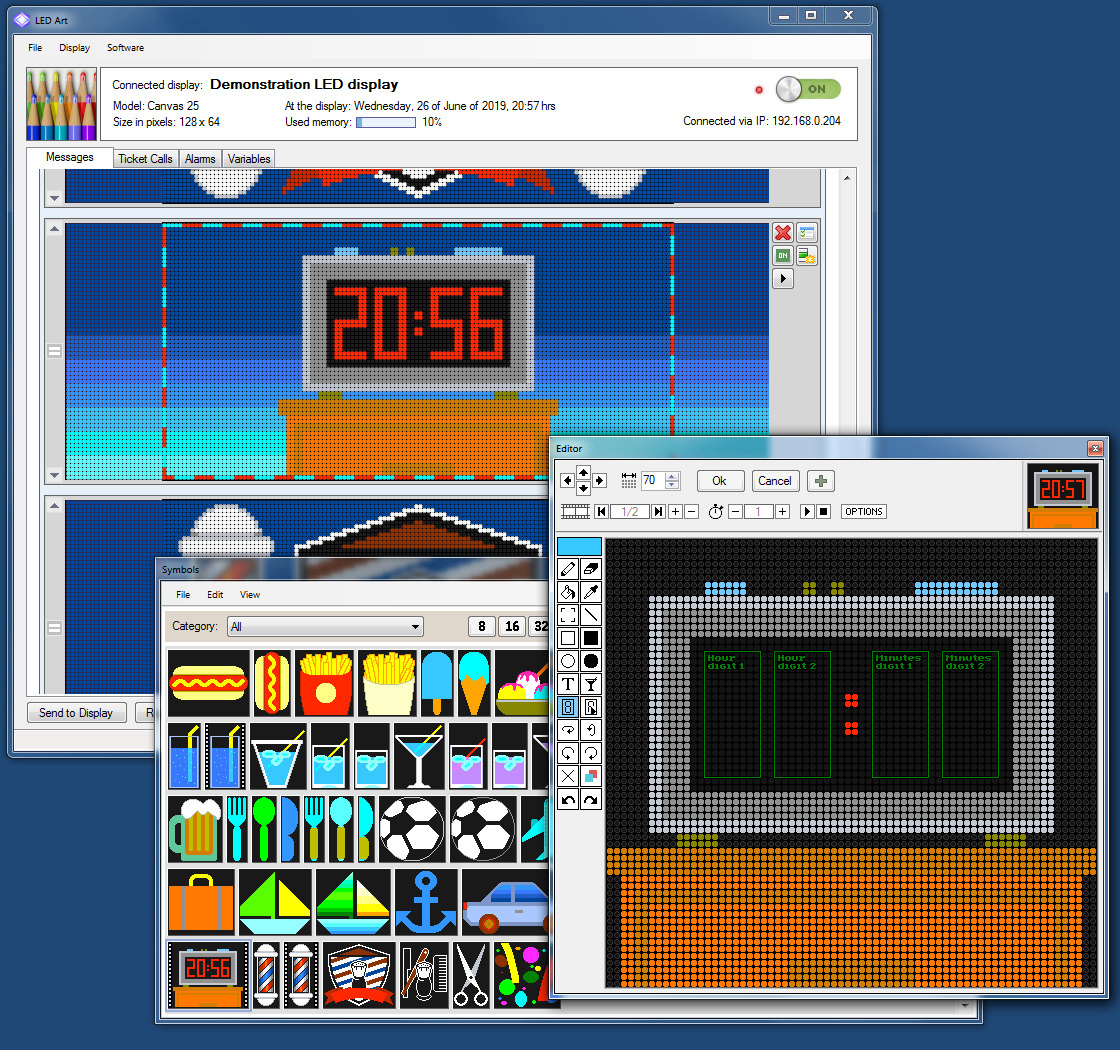 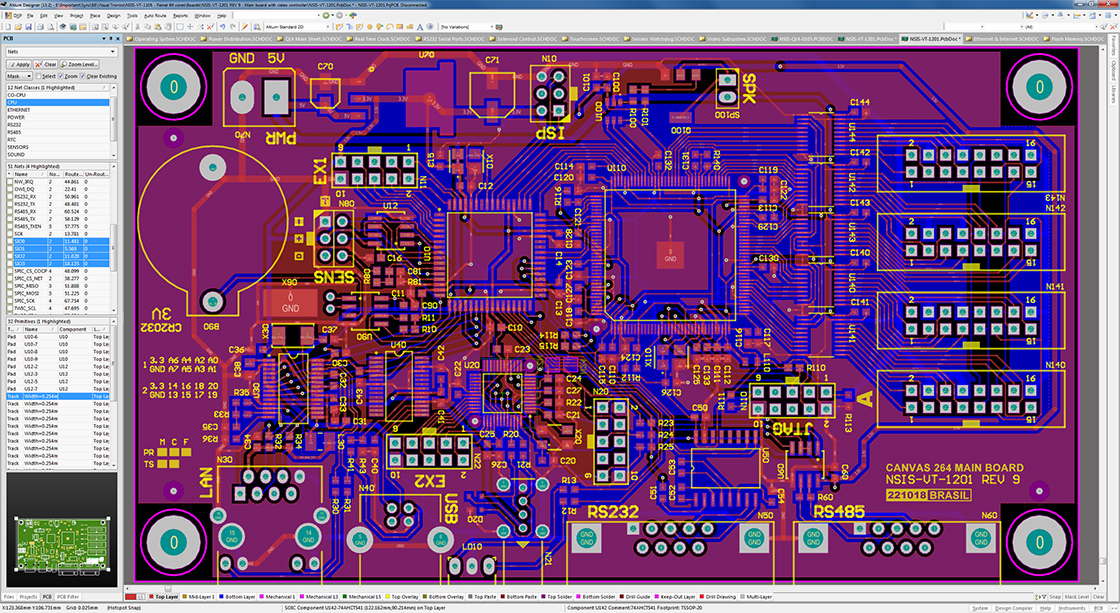 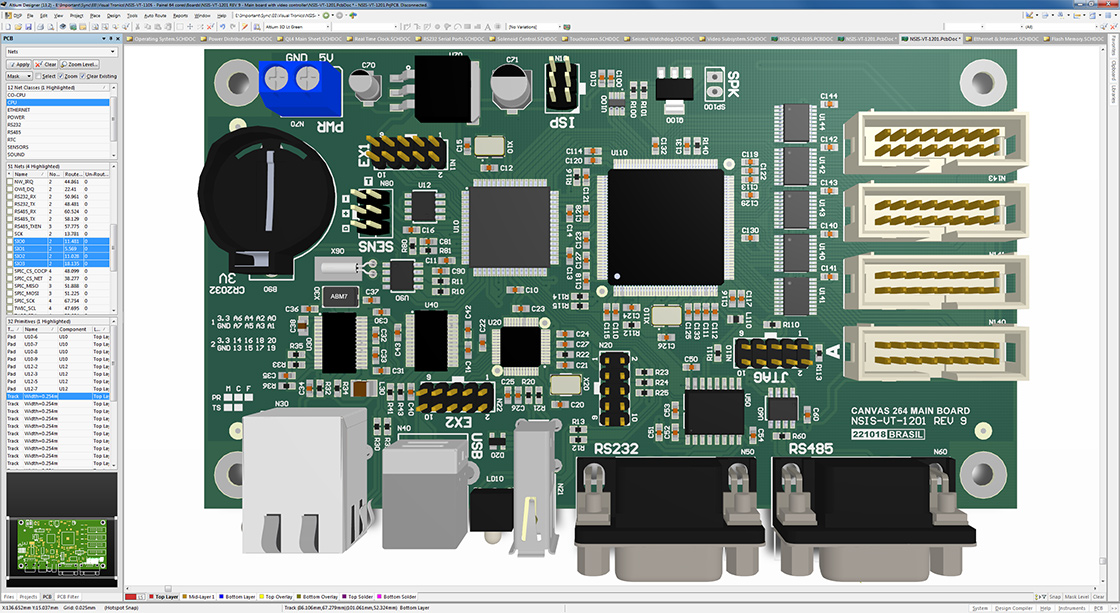 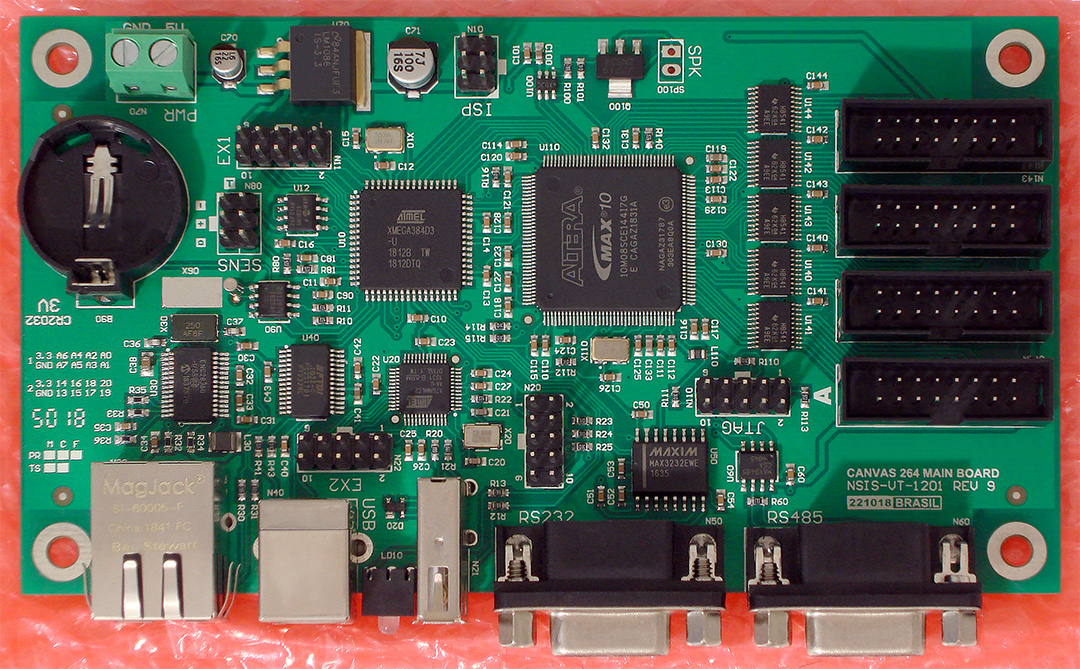 LED Display Software Demonstration, Part 1This is a demonstration of the LED display control software. If this video is not playing on your browser, click here to download it. About this video
This video shows the LED display control software connecting to the LED display, reading its messages, and then performing a few operations, mainly to show the basic functionality of the display. Notice the conditions; those blocks that wrap a few messages and say, for example: "Every Friday". The messages inside those blocks will only show when the condition is met. They add a lot of functionality to the display, as demonstrated by some examples in this video.
LED Display Software Demonstration, Part 2This continues the demonstration of the LED display control software. If this video is not playing on your browser, click here to download it. About this videoThis is a continuation of the LED display control software demonstration. This video show the ticket calls, alarms, variables, configuration options, daylight savings time, USB flash drive, auto-brightness, auto-off and the variables configuration area, also giving a better look into the conditions and demonstrating the variables in use. Note that the ticket calls is currently under development. Back to main page |